
Taxes
Spain tax return draft: how to access it online
Learn how to access your Spanish tax return draft online through Renta WEB, including Cl@ve Mobile, reference number and key tips for expats in Spain.
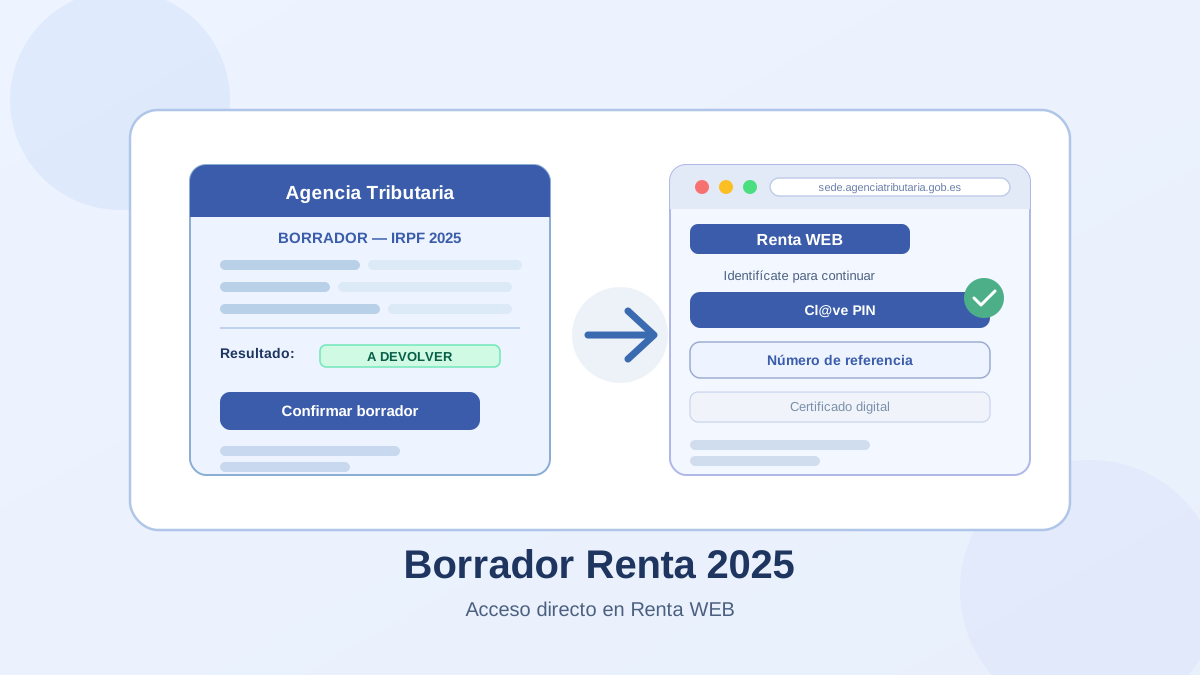
Every spring, the Spanish tax agency (Agencia Tributaria, also known as AEAT or Hacienda) makes a tax return draft available to each taxpayer. In Spanish it is called the borrador renta — borrador means "draft". You can view it, edit it if needed, and submit it entirely online through a service called Renta WEB.
Access your Spanish tax return draft on the official AEAT website
This guide explains what the draft is, how to log in as an expat or foreign resident, and one important caveat for those under the Beckham Law.
What is the Spanish tax return draft?
The borrador renta is a pre-filled draft of your IRPF (personal income tax) return that the Agencia Tributaria builds from data it already holds: salary records, withholdings, bank interest, benefits, family situation, and more.
It is available through Renta WEB, the AEAT's online filing service. Once you log in, you can:
- review the draft and check that all your income and deductions are correct,
- edit any field that is wrong or missing,
- submit the return directly online.
The borrador is a proposal, not a final document. Do not confirm it without reading it first — data can be missing, especially if you had multiple income sources, changed jobs, or had income from abroad.
For a full explanation of the filing process and whether you are required to file, see what the Declaración de la Renta is and who has to file it.
How to get your Spain tax return draft
- Open Renta WEB — the official AEAT access page.
- Identify yourself using one of the methods below.
- View your draft. The system loads Renta WEB with your pre-filled return. From there you can review, edit, and confirm it.
No software needs to be installed. The whole process runs in a browser on desktop or mobile.
Login methods for expats and foreigners
Cl@ve Mobile
Cl@ve is the Spanish government's digital identity system and the most practical option for most foreign residents.
- Enter your NIE (Número de Identificación de Extranjero — the tax ID assigned to all foreign residents in Spain) and your date of birth.
- Receive a one-time code by SMS or through the Cl@ve app.
- You must be registered in Cl@ve before using it. Registration can be done online with a digital certificate, or in person at a post office or official Cl@ve office.
If you are not yet registered in Cl@ve, registration is the recommended first step. It unlocks access to Renta WEB and many other Spanish government services.
Reference number
The reference number is a six-character code that AEAT generates so you can access your tax file without Cl@ve or a digital certificate.
To get it you need:
- your NIE or DNI,
- the amount in box 505 of your last submitted Spanish tax return.
You request the reference number directly on the Renta WEB login screen. If you have never filed a Spanish tax return before, you will not have a box 505 figure — in that case, Cl@ve or a digital certificate are better options.
eIDAS (for EU citizens)
If you are a citizen of an EU country whose national eID is connected to the eIDAS network, you may be able to log in to the AEAT's Sede Electrónica using your home country's digital identity. This option is not available for all nationalities and depends on your country's eIDAS integration.
Digital certificate
A Spanish digital certificate gives full access to all AEAT online services. It requires installation in your browser and a prior identity verification step, but once set up it is the most reliable method, especially for expats who deal with Spanish tax administration regularly.
Beckham Law: does the standard draft apply?
Important note for Beckham Law taxpayers. If you are under Spain's special regime for expatriates (officially: Régimen especial para trabajadores desplazados a territorio español, art. 93 of the Personal Income Tax Law) — commonly known as the Beckham Law — the standard borrador process does not apply to you.
Under this regime, you are taxed as a non-resident at a flat rate rather than under the standard IRPF scale. You file using Modelo 151, a separate form specific to this regime, not through the normal Renta WEB draft service.
If you are unsure whether you are under the special regime, check with your employer or tax advisor. You can also consult the AEAT's official page on the special expatriate regime.
Frequently asked questions
How do I get my Spanish tax return draft?
Go to the official Renta WEB access page, log in using Cl@ve, reference number, or digital certificate, and the system will load your draft directly.
Can expats and foreigners use Renta WEB in Spain?
Yes, as long as you are filing under the standard Spanish IRPF route and have an accepted identification method (Cl@ve, reference number, digital certificate, or eIDAS). You use your NIE instead of a DNI.
How do I access the Spanish tax return with Cl@ve?
Register for Cl@ve first if you have not done so (online or in person at an authorised office). Then go to Renta WEB, select Cl@ve Mobile, enter your NIE, and confirm with the one-time code sent to your phone.
How do I get a reference number for the Spanish tax return?
On the Renta WEB login screen, select the reference number option and enter your NIE and the amount in box 505 of your last submitted return. The number is generated immediately. See the official AEAT guide on how to obtain the reference number.
Can I access my tax draft in Spain with an NIE?
Yes. Foreign residents in Spain use their NIE for all Spanish tax procedures, including accessing Renta WEB. The process is identical to that for Spanish nationals who use a DNI.
Does the Beckham Law use the normal Spanish tax return draft?
No. If you are under the special regime for expatriates (art. 93 IRPF Law), you file using Modelo 151 and do not go through the standard Renta WEB draft process. The normal borrador does not apply to you.
What is the Beckham Law called on the official AEAT website?
The AEAT refers to it as the special regime for workers posted to Spanish territory (Régimen especial para trabajadores desplazados a territorio español). The informal name "Beckham Law" is not used in official documents.
How do I view my tax data before confirming the draft?
Once logged in to Renta WEB, you can consult the tax data the AEAT holds about you before confirming anything. See the AEAT's guidance on consulting your tax data online.
What if I cannot access Renta WEB?
Try a different login method — if the reference number fails, try Cl@ve, and vice versa. Double-check your NIE and box 505 amount. If problems persist, the AEAT offers telephone assistance and in-person appointments at local tax offices.
Summary
To get your Spain tax return draft:
- Go to Renta WEB.
- Log in with Cl@ve Mobile (easiest for most expats) or reference number.
- Review the draft — do not confirm it without checking your figures.
- If you are under the Beckham Law / special expatriate regime, use Modelo 151 instead.
To understand the full filing process, see what the Declaración de la Renta is. To understand what the result on your draft means, see the guide on positive or negative result in the Renta. To estimate your tax position before filing, use the net salary calculator.
If Hacienda shows a warning before you confirm, read the guide on Spain's preventive tax alerts in the 2026 campaign to review crypto, rentals, online sales, and foreign income correctly.
Sobre el contenido de esta guía
Este artículo ha sido escrito por Cristian Moreno para Finanzas Fáciles. Analizamos datos de organismos oficiales como el Banco de España y el INE.
Las guías se revisan periódicamente para reflejar cambios económicos y financieros en España. Este contenido es informativo y educativo. No constituye asesoramiento financiero, fiscal ni legal personalizado.
Fuentes
- https://sede.agenciatributaria.gob.es/static_files/common/html/selector_acceso/SelectorAccesos.html?rep=S&ref=%2Fwlpl%2FDASR-CORE%2FAccesoDR2025RVlt&aut=CPRE
- https://sede.agenciatributaria.gob.es/Sede/en_gb/irpf/tengo-que-presentar-declaracion.html
- https://sede.agenciatributaria.gob.es/Sede/en_gb/ayuda/consultas-informaticas/renta-ayuda-tecnica/consulta-datos-fiscales-on-line.html
- https://sede.agenciatributaria.gob.es/Sede/en_gb/ayuda/consultas-informaticas/renta-ayuda-tecnica/obtener-referencia-renta-casilla.html
- https://sede.agenciatributaria.gob.es/Sede/en_gb/ayuda/manuales-videos-folletos/manuales-practicos/manual-tributacion-no-residentes/regimenes-opcionales/regimen-especial-impatriados.html