
Taxes
Renta to pay in Spain: what it means and how to choose payment
If your Spanish Renta return shows tax to pay, review the result and distinguish direct debit, electronic payment, 60/40 and an AEAT deferral request.
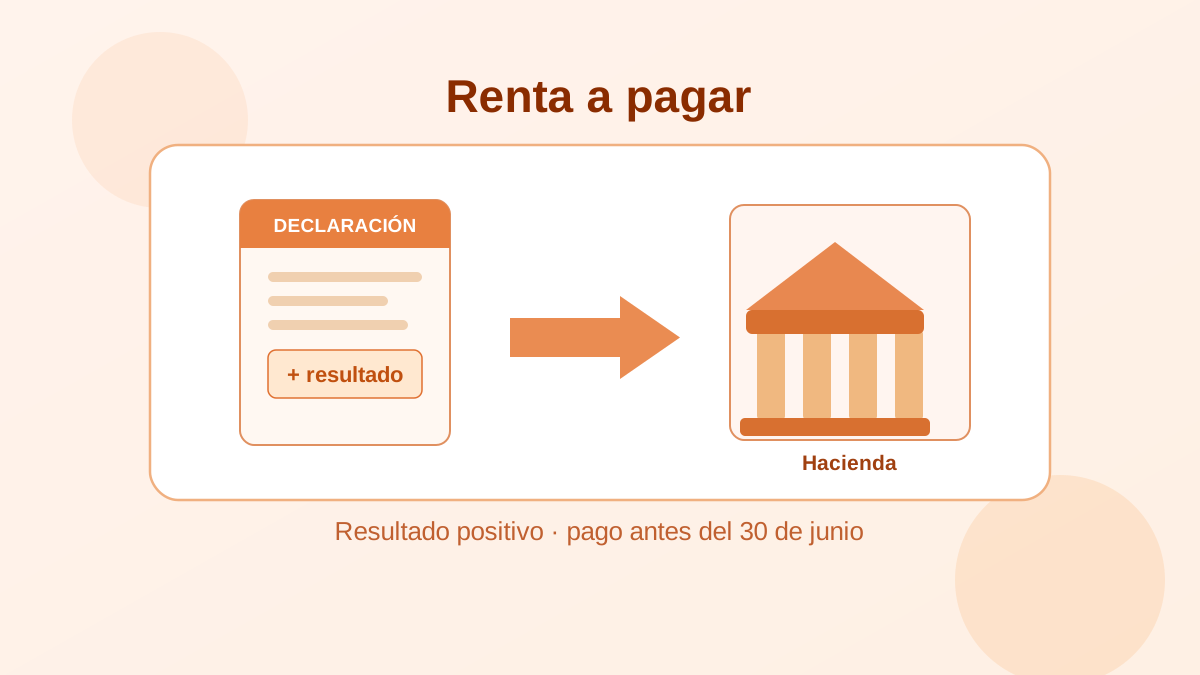
If your Spanish income-tax return shows a pagar (an amount due), your self-assessment has an amount to pay. It is not automatically a fine and does not, by itself, prove that your return is wrong: the self-assessment is your calculation and AEAT may verify it later. Before filing, you can still check the calculation and choose the payment route. (1)
This guide owns that practical decision: review the result, distinguish payment routes and deal safely with a missed deadline. For the basic meaning of a positive or negative result, see positive or negative Renta result.
Review the result before filing
Do not use a payment method to solve a return you have not reviewed. Check income and withholdings, available AEAT tax data, deductions that may apply and, where relevant, individual versus joint filing. The Spanish Renta draft guide is a starting point.
A payable result can reflect insufficient withholding, more than one payer or other information in the self-assessment. This page cannot diagnose your individual cause: correct a discrepancy or seek professional help before submitting.
If you already filed or could not complete payment
This is the current route for a filed Renta debt that remains available in the AEAT service. In Servicios de Renta, open “Solicitud aplazamiento/compensación Renta” (Renta deferral/offset request), identify the tax year and open the debt through its “Clave de Liquidación”. AEAT then shows “Pagar” (pay), “Aplazar” (defer) and “Compensar” (offset). (2)
- Under “Pagar”, AEAT lists the available payment routes for that debt: card (including Bizum), account debit, transfer or a PDF for a collaborating bank.
- Under “Aplazar”, you submit a request with information such as direct debit, number of instalments and first due date. That is not approval by AEAT.
- If the debt has progressed in collection, this screen may no longer apply: AEAT directs you to the general Sede route for a deferral or instalment request.
If you have an AEAT notice, follow that document first. Do not assume a failed payment leaves the debt in the same state or lets you repeat the same flow.
Choose the payment route during a campaign
The correct route depends on whether you are still filing during the campaign, whether you want a scheduled debit and whether you can meet the amount due. Campaign dates and screens change; the following modalities describe Renta 2025, filed in 2026, rather than a promise for the next campaign.
Direct debit — domiciliación bancaria
Direct debit lets you order payment from an account in your name. In the Renta 2025 campaign it could cover the full amount or one or both 60/40 fractions. The ordering deadlines were campaign-specific, so check the current official calendar before choosing it. (3)
Check the IBAN and the expected account balance. Do not assume that direct debit remains available merely because the general filing period is still open.
Electronic payment: account debit, card, Bizum or NRC
For a return with an amount due and no direct debit selected, AEAT's Pago electrónico (electronic payment) can offer account debit, card, instant transfer through Bizum or an NRC obtained already. It can be one payment or the ordinary split when the campaign allows it. (4)
Getting an NRC or making the payment does not replace filing. Return to the procedure and finish submitting the return. For card, Bizum and NRC detail, see how to pay Renta with Bizum or card.
Ordinary 60/40 split
The 60/40 split is not a negotiated deferral. For Renta 2025 it meant paying 60% when filing and the remaining 40% by 5 November 2026, without interest or surcharge, subject to conditions including timely filing and payment of the first fraction. (5)
Those dates have passed. For a future campaign, check the official page for that exercise before filing; do not assume you can select the split later. The Spanish 60/40 payment guide keeps the historical campaign detail.
AEAT deferral or instalment request
If 60/40 is unavailable or does not resolve your position, use the separate deferral, instalment or offset request explained above for a filed debt.
It is not automatic approval or a promised cost or timetable. Spain's General Tax Law links deferral/installments to an application and temporary financial inability to pay on time. A request filed in the voluntary period prevents executive collection from starting, but does not stop late interest accruing. (1) Do not turn that rule into your own rate: the final cost depends on the debt and AEAT's resolution.
If the deadline has passed
Keep a voluntary late self-assessment separate from an AEAT notice or enforcement process: they do not necessarily follow the same rules. For a self-assessment filed late without a prior administrative requirement, Article 27 provides a 1% surcharge plus another 1% for each complete month of delay for the first twelve months. After twelve months it is 15%, plus late interest from the day after that twelve-month period. (1)
This is not a calculator for every fact pattern. If you have received a notice, the debt has changed status or you do not know the correct procedure, read the document and use what to do after missing a Spanish tax return before acting.
FAQs
Does a pagar mean I have been fined?
No. It describes an amount due in the self-assessment. Check the calculation before filing; a fine or official notice is a separate matter.
Can I pay with Bizum or card?
AEAT includes those options in electronic payment for returns with an amount due and no direct debit selected. Check what is available in your campaign and finish filing after payment. (4)
Is 60/40 the same as a deferral?
No. 60/40 is the ordinary split with campaign conditions and dates. A post-filing deferral or instalment is a separate AEAT request. (5) (2)
Can I request a deferral after filing?
AEAT has a service for deferral or offset requests after filing when the debt is in a state the service can process. Do not assume approval or that every debt remains in that route. (2)
References
- BOE — General Tax Law 58/2003, articles 27, 58, 65, 120 and 183. Consolidated text accessed 30 September 2026.
- AEAT — Requesting a deferral or offset after filing Renta. Accessed 30 September 2026.
- AEAT — Direct debit payment. IRPF 2025 manual, accessed 30 September 2026.
- AEAT — Electronic payment. IRPF 2025 manual, accessed 30 September 2026.
- AEAT — Payment split and direct debit. IRPF 2025 manual, accessed 30 September 2026.
Sobre el contenido de esta guía
Este artículo ha sido escrito por Cristian Moreno para Finanzas Fáciles. Analizamos datos de organismos oficiales como el Banco de España y el INE.
Las guías se revisan periódicamente para reflejar cambios económicos y financieros en España. Este contenido es informativo y educativo. No constituye asesoramiento financiero, fiscal ni legal personalizado.